
How to register an additional Signature 365 tenant
Register a second Signature 365 tenant from your existing account to manage multiple organisations.
If you manage multiple organisations, you can register additional Signature 365 tenants from your existing account. Each tenant operates independently with its own users, templates, and rules.
Before you begin
You need an active Signature 365 account with owner or administrator permissions.
Register the tenant
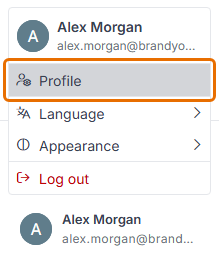
- Sign in to the Signature 365 portal, select your account menu in the top-right corner and select Profile.
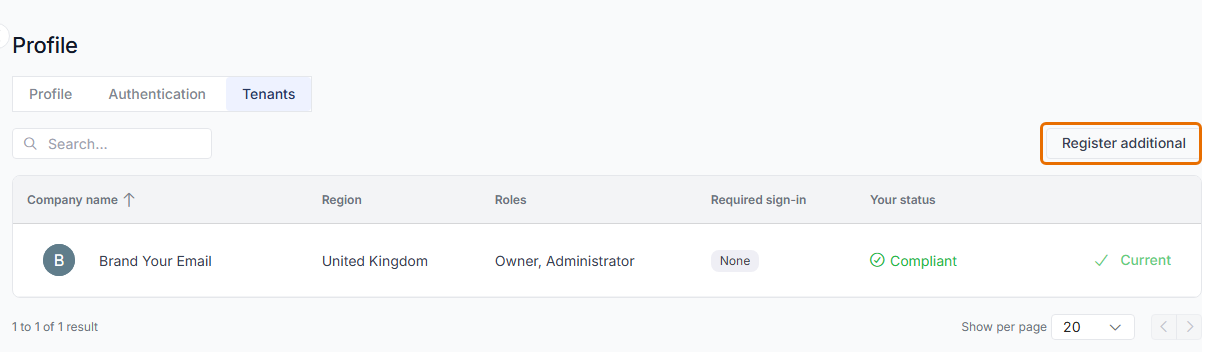
- Select the Tenants tab, then click Register additional.
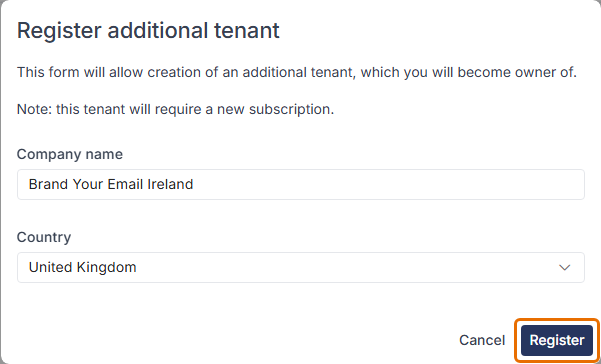
- Enter the Company name and select the Country for the new tenant, then click Register. The new tenant requires its own subscription.
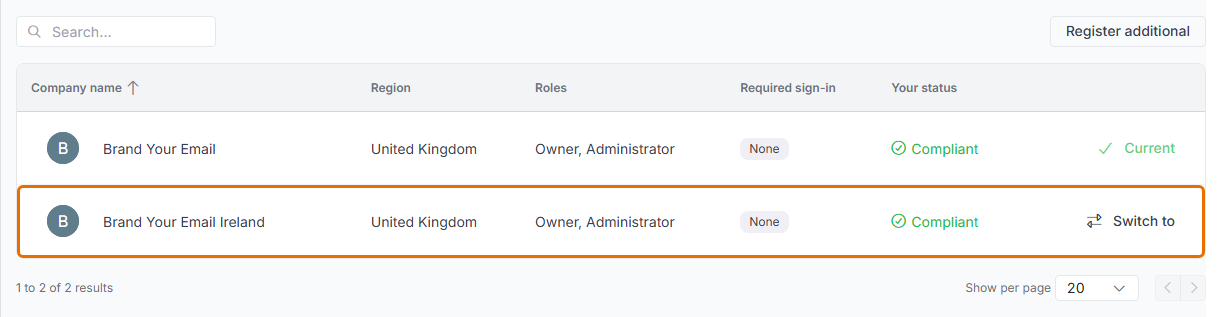
- A Tenant registered notification appears and the new tenant is added to the list. To manage it, click Switch to, or switch between tenants later using the Tenants tab.
Next steps
- How to set up Signature 365 — configure Microsoft 365 integration for the new tenant
- Updating users and groups imported to Signature 365 — import users from the new tenant
Using the Signature 365 Database Connector
This article details how to install and use the Signature 365 database connector to import from an on-prem SQL or access...
Updating users & groups imported to Signature 365 from Microsoft 365
Update which Microsoft 365 users and groups Signature 365 imports, including adding, removing, or importing everyone.